How to Place App
in Play Store.
Authors
Chandhana & Upendra
Published
October 18, 2023
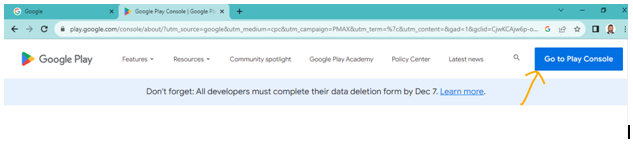
Search Google Play Console
First search google play console in the browser and log in to your developer account.
Create App
Click on the 'Create app' button in the dashboard to start the new application process.
App Details
Enter your app name, default language, and specify if it's an app or a game.
Declarations
Confirm the app meets Play Store policies and accept the US export laws.
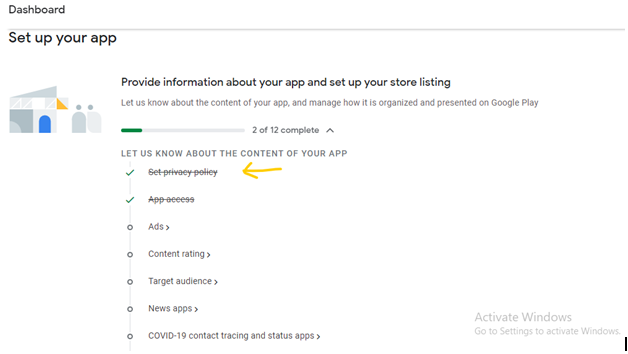
Set up App Page
Navigate to the 'Set up your app' section to complete all mandatory tasks.
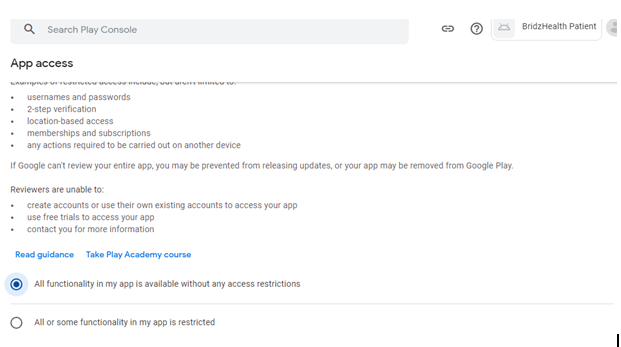
App Access
Define if your app requires special permissions or login credentials for reviewers.
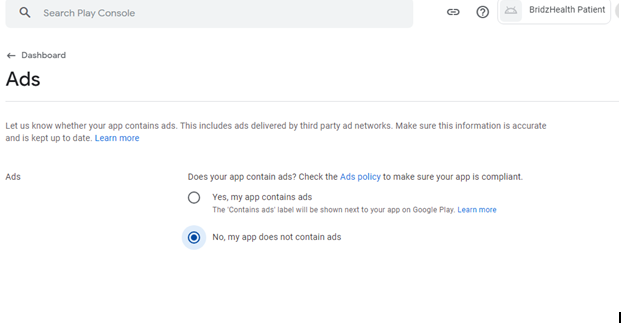
Ads Policy
Declare whether your application contains advertisements.
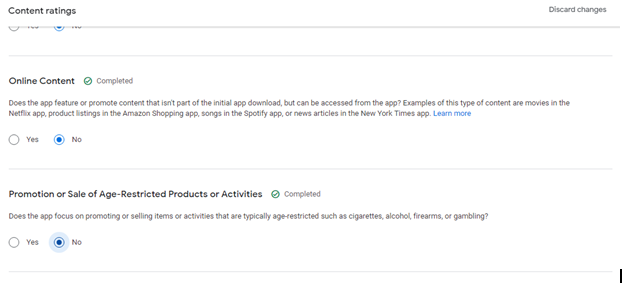
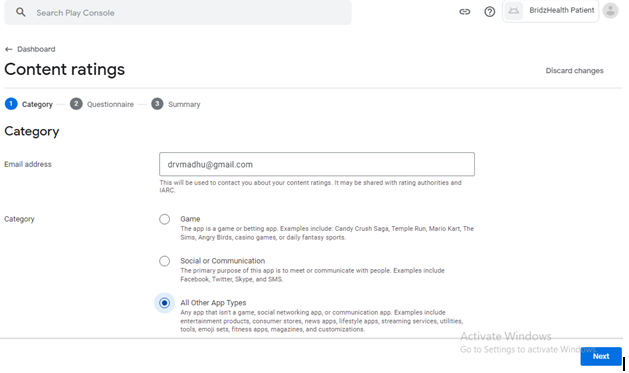
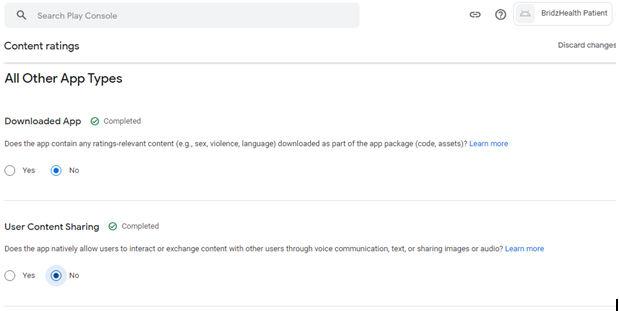
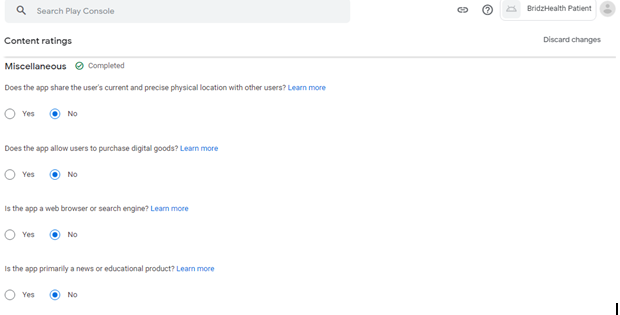
Content Rating
Complete the content rating questionnaire to get your app's official age rating.
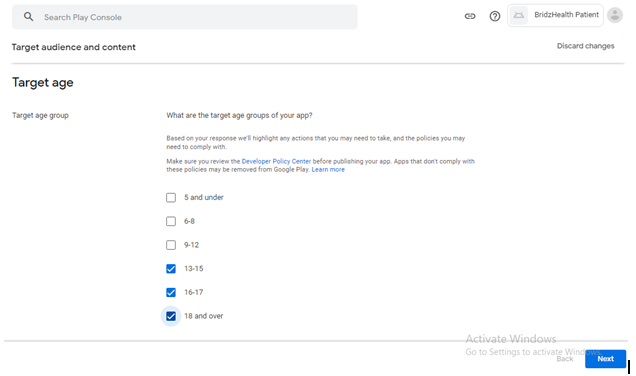
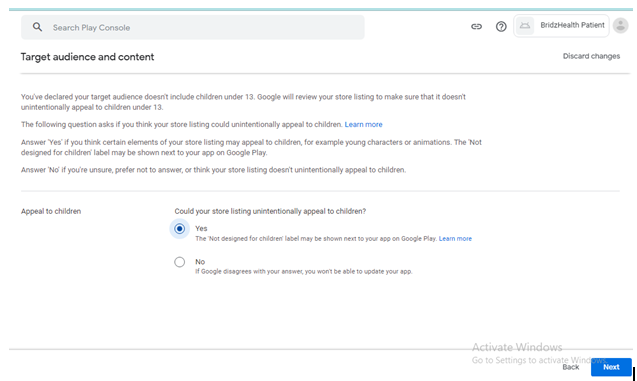
Target Audience
Select the target age group and specify if children are part of your audience.
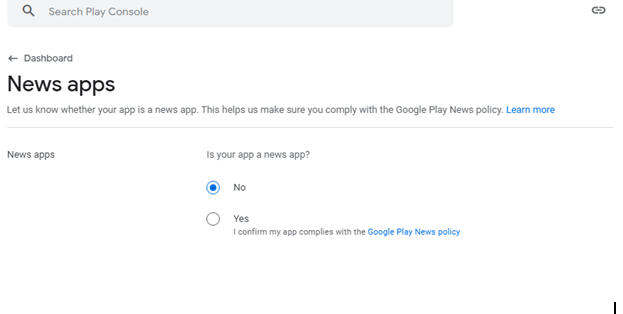
News Apps
Declare if your application is a news app to comply with specific news policies.
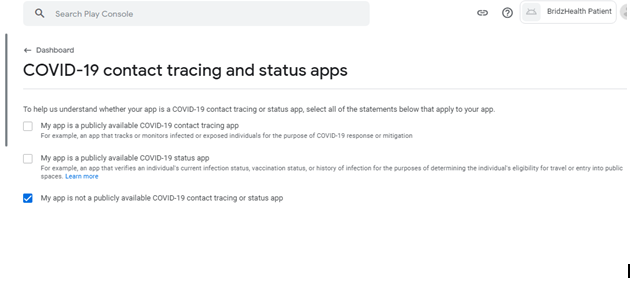
COVID-19 Tracing
Indicate if your app is a COVID-19 contact tracing or status app.
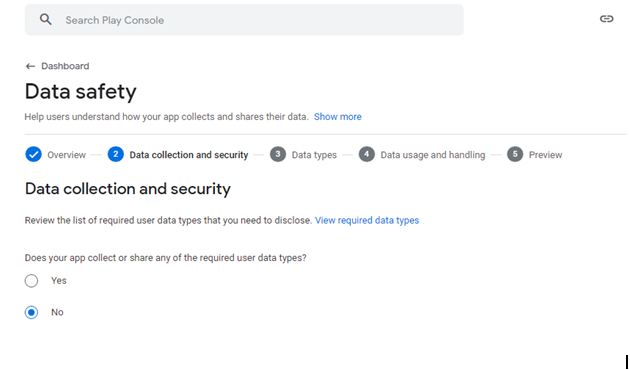
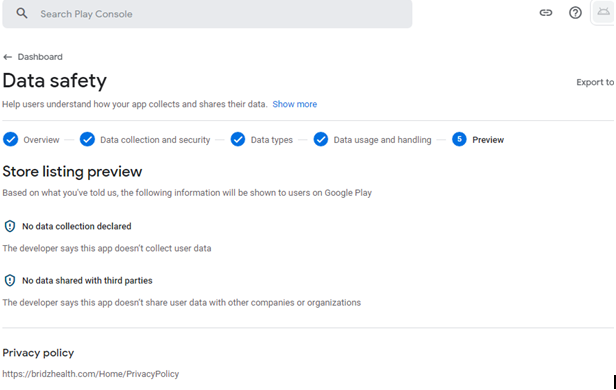
Data Safety
Complete the data safety section explaining how you collect and share user data.
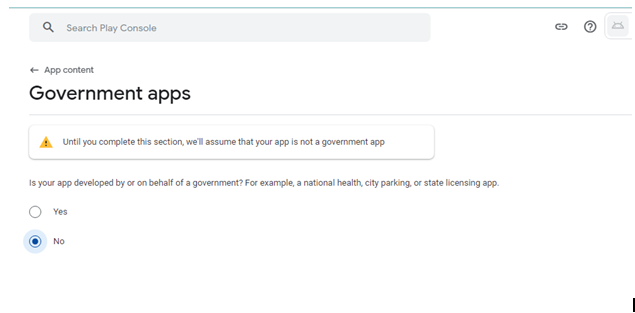
Government Apps
Declare if your app is developed for or on behalf of a government entity.
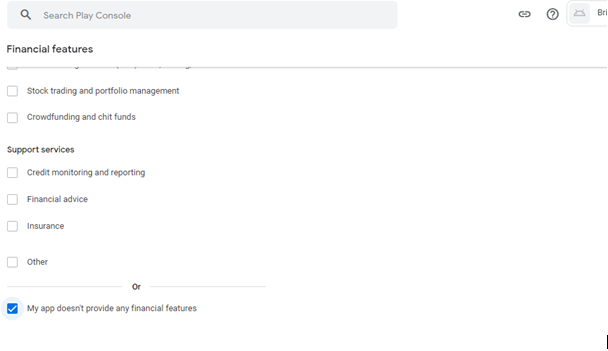
Financial Features
Provide details if your app includes any financial or loan features.
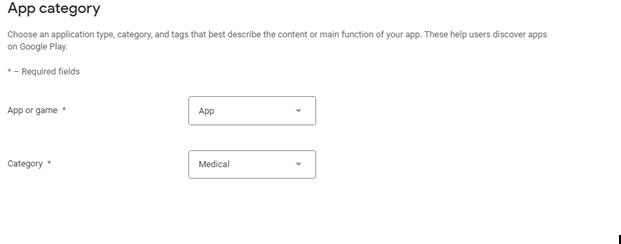
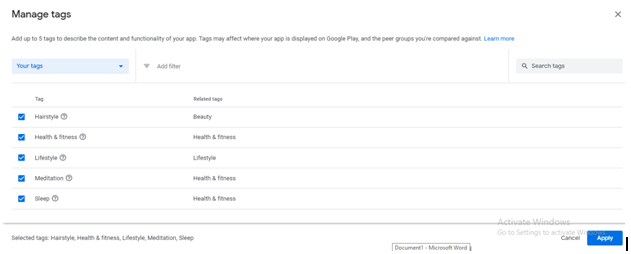
Select Category
Choose the appropriate app category and add relevant tags for discoverability.
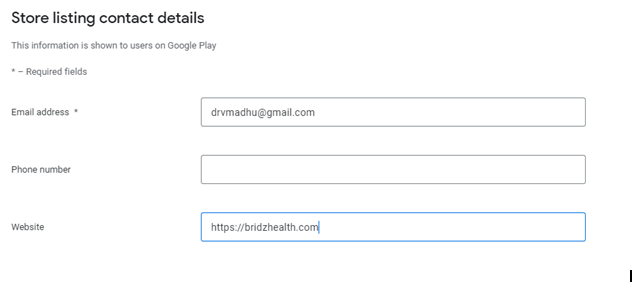
Store Listing
Add your app description, icon, feature graphic, and screenshots for various devices.
Upload APK/AAB
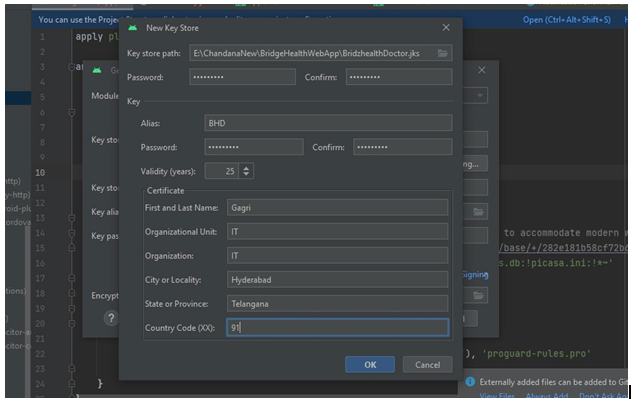
Go to Production and create a new release to upload your signed App Bundle (AAB).
Release Name
Provide a release name and release notes for the current version.
Select Countries
Choose the countries and regions where your app will be available.
Rollout to Production
Finally, click on 'Start rollout to production' to submit your app for review.